
Human
1 photo
- Length
- 7 s · 720p
- Frame
- 9:16
- Price
- 30 credits
One photo from the head to the waist, both arms in view. You take her place. The room, the camera, and the moves stay with the clip.
Make it in one tapMake the Bicep Heart Video
One photo from the head to the waist, both arms in view. You take her place. The room, the camera, and the moves stay with the clip.
Ready in a few minutes · From 30 credits
Styles
These clips are popular online. We did not make them. Your photos replace the people or pets. The place, the camera, and the moves stay with the clip.
Original reel by @kavithageorge
Step by step
Everything runs in the browser. No editing app, no prompt to write, no watermark.
Press "Create your own" and add 1 photo. Take them with the camera or pick them from your library.
The button shows the price (30 credits for this version). Your photos are turned into a 7 second video with sound. You write no prompt.
The video is ready in a few minutes as a 9:16 MP4. Download it, share it, or find it later in your account.
Versions
You do not write any prompt. Pick a version, add your photos and tap once.
1 photo
One photo from the head to the waist, both arms in view. You take her place. The room, the camera, and the moves stay with the clip.
Make it in one tapYou pay per video in credits, and the create page shows the exact price on the Generate button before you spend anything. The price covers the whole video, made in one step from your photos and charged once. Each version has its own price: Human 30 credits.
| Version | Settings | Credits |
|---|---|---|
| Human | 7 s, 720p, 1 photo, one tap | 30 |
Credit packs are on the pricing page. A failed video gives its credits back.
FAQ
1 photo. Clear photos with an easy-to-see face work best.
No. The template already knows what to build. You only add your photos.
Each version shows its credit price, and the price is shown again before you generate. Credits come in packs that never expire.
The credits for that video go back to your balance automatically.
No. Finished videos have no watermark.
More trends
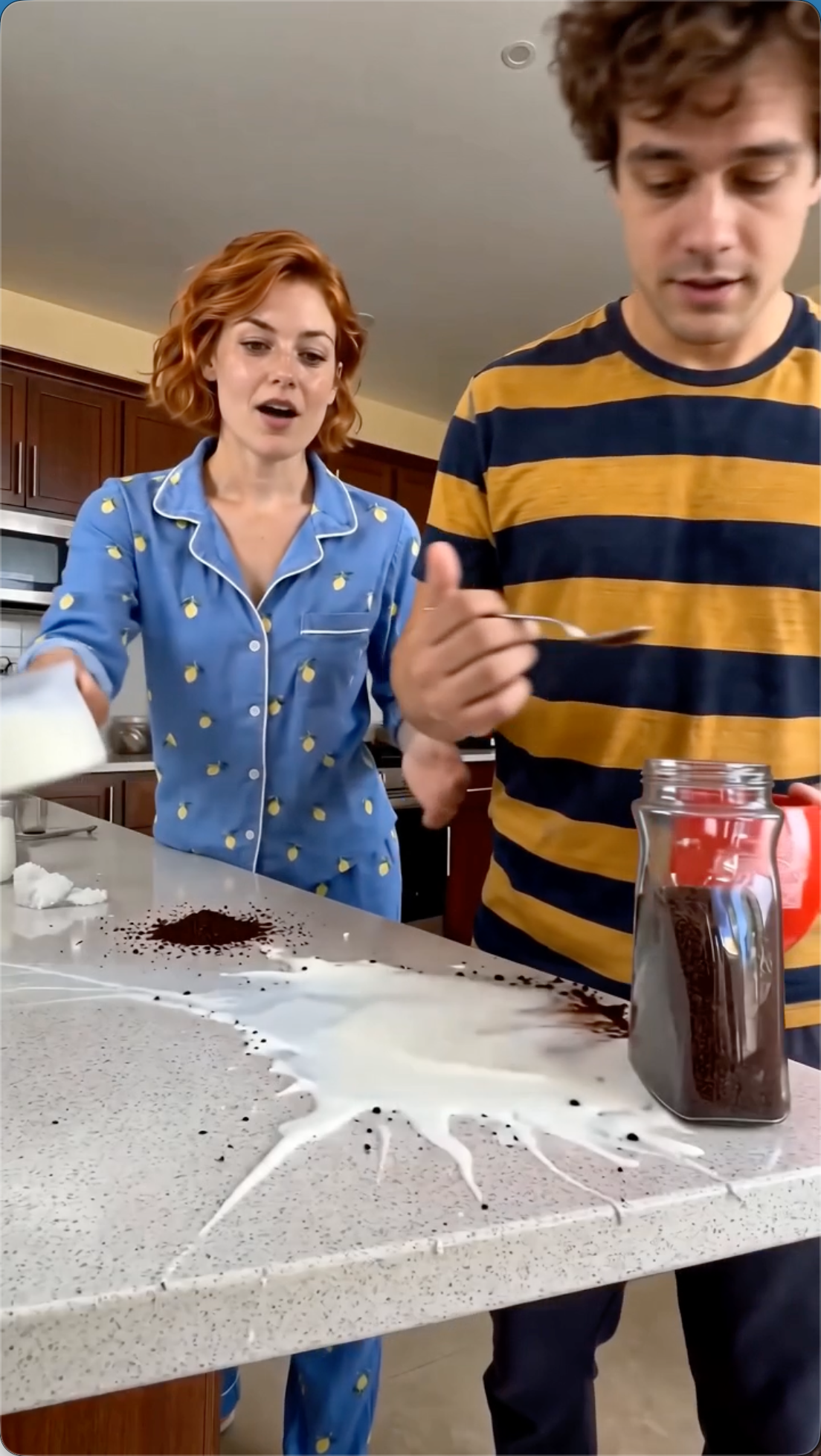
The coffee making AI video is the viral kitchen clip where two characters try to make a cup of coffee: one spoons the coffee and lifts the mug, the other watches, and the milk ends up all over the counter. This coffee making AI template takes any two photos, people, pets, toys or characters, and also has the classic dog making coffee clip with two fluffy dogs.
Read more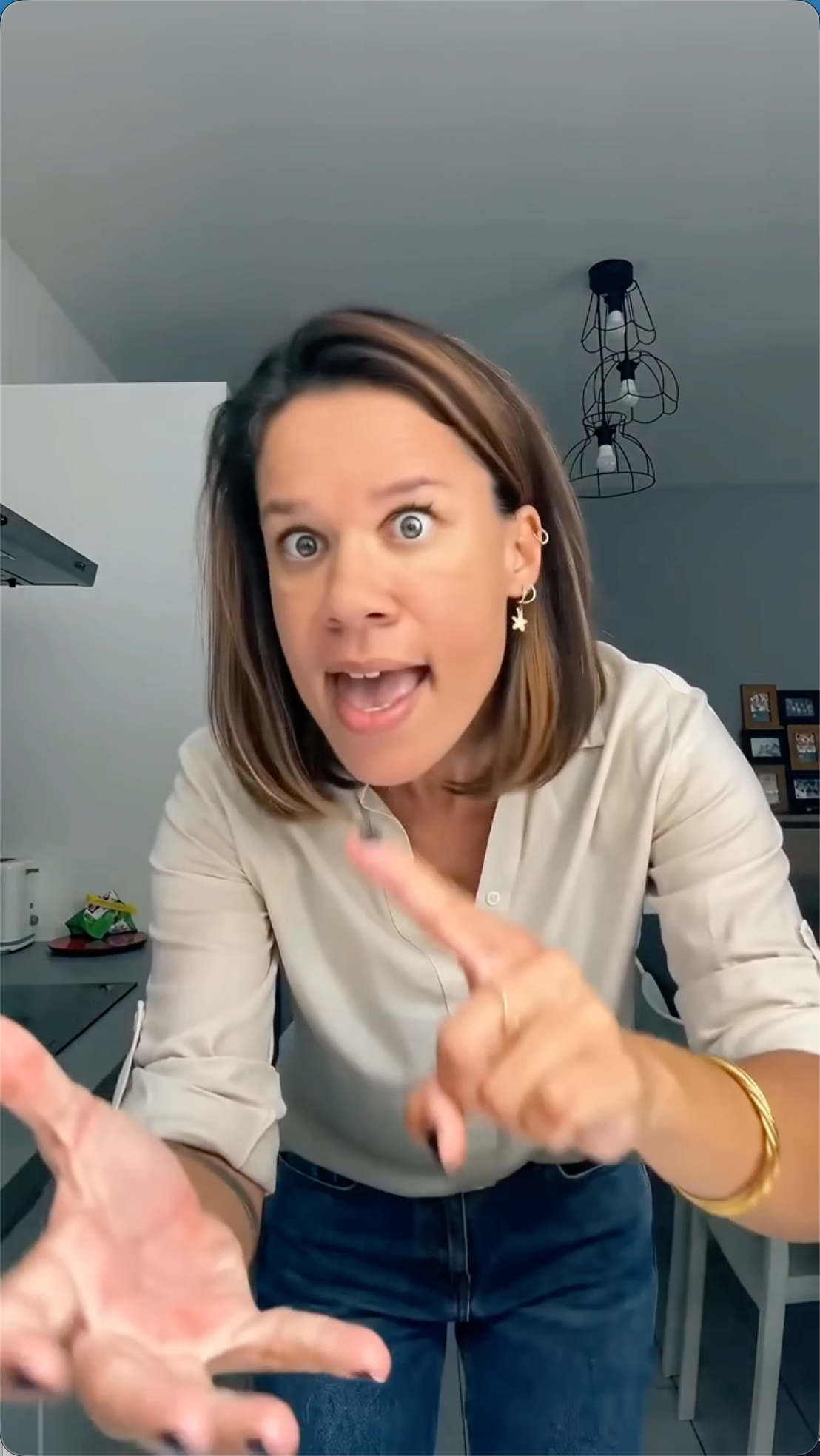
One photo of you. You replace the person who argues with the camera in the kitchen.
Read more
Example clip coming soon.
Read more
Example clip coming soon.
Read more
Example clip coming soon.
Read more
Example clip coming soon.
Read moreAdd 1 photo and tap once. No prompt to write. 30 credits.
No watermark. A failed video gives its credits back. Secure checkout.
Bicep Heart
30 credits · 7 s